HTML Intro- Auto Refresh Webpages
You can have your HTML document auto refresh itself so that d=ynamic information is continuously updated. <meta http-equiv=”refresh” content=”5″> https://www.w3schools.com/tags/att_meta_http_equiv.asp autoUpdate.php
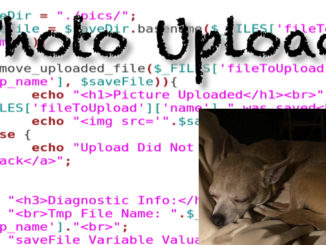
With an HTML form and PHP you can upload files to your web server. When you use $_FILE in PHP you are able to access information about the file stored in the $_FILE array. Prerequisites: […]
In this project we build the ability to search for images based on Tags stored in MySQL. Previous Classes in Series: PHP Project (Simple) – Dynamic Photo Gallery Stream PHP Project (Simple) – Dynamic Photo […]
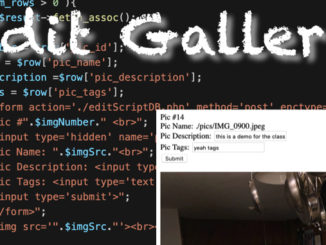
With this project you will be able to edit the MySQL records that relate to your pictures in your gallery. You use the pic_id identifier to select and update specific MySQL records. Previous Classes in […]
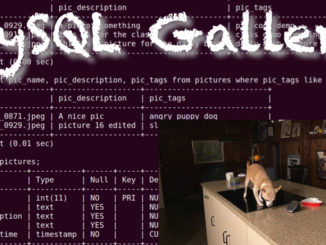
This class shows you how to create a picture gallery app that stores its data in a MySQL database. This allows you to do things such as adding Tags, Description, and even User Ownership so […]
Previous Classes in Series: PHP Project (Simple) – Dynamic Photo Gallery Stream PHP Project (Simple) – Dynamic Photo Gallery Prerequisites: Basic LAMP, or Web Server Administration Verify pictures and folder have READ/WRITE permission for OTHER […]
This project shows you how to create a Picture Gallery App that is dynamically based off of the pictures in a folder. Previous Classes in Series: PHP Project (Simple) – Dynamic Photo Gallery Stream Prerequisites: […]
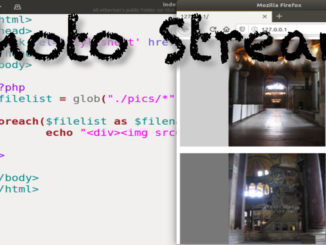
Using the GLOB function in PHP you can put all of the file names on a folder, and then print them out with additional HTML to create a Dynamic Photo Stream. In this project the […]
By setting the Position Attribute to “Sticky” it will allow the element to stay at the same location as you scroll through an HTML page. stickyStyle.css sticky.html
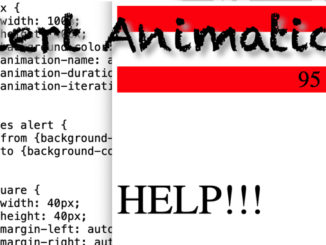
You can create animations with CSS for everything from alerts to fun widgets on your HTML pages. animationStyle.css animation.html
You can format hyperlinks based on whether you’re hovering over them, actively clicking on them, or have visited them. This can be useful when creating dashboards and control panels. linkStyle.css link.html
You can do some interesting things with color on your HTML pages with color options with CSS. Color Picker: https://www.w3schools.com/colors/colors_picker.asp Color Names: https://www.w3schools.com/colors/colors_names.asp color.html colorStyle.css
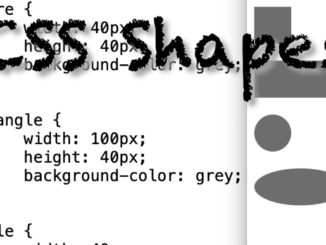
With CSS you can create shapes to add visual elements to your HTML documents. Shape Examples: https://www.w3schools.com/howto/howto_css_shapes.asp shapeStyle.css shape.html
Changing the opacity of text or pictures can make them easier to view by users. You can also use :hover to show when an object is being hovered over. opacityStyle.css opacity.html
You can overlay text over images using CSS. To do this you essentially create a DIV as a canvas, add an image, and then code where the Text should start to be printed within the […]
CSS can be used to create basic animations for Web Based Dashboards to attract user attention. alertStyle.css alert.html
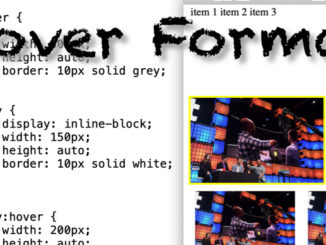
You can dynamically modify both text and image formatting when a user hovers over elements in an HTML document. hoverStyle.css hover.html picture700jpg
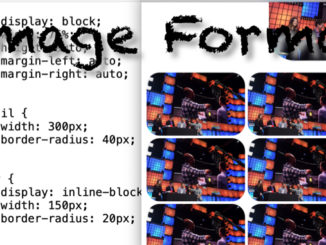
CSS allows you to do a lot of interesting formatting with images on HTML documents. This class shows 3 simple examples of how to embed images using CSS. imageStyle.css image.html picture700.jpg
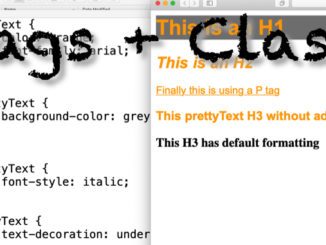
You can use Tag Elements with CSS Classes to create text with similar styling. classTagStyle.css classTag.html
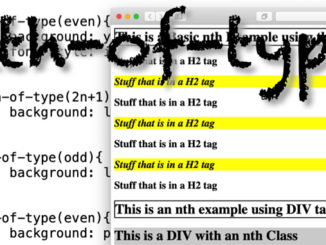
nth-of-type allows you to automatically format HTML texts based off of simple rules. nthStyle.css nth.html
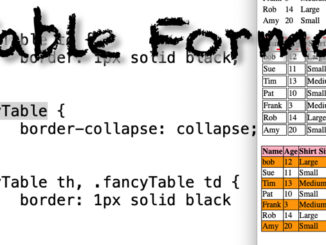
You can format Tables using CSS to not just add borders, but also interactive features. tableStyle.css table.html
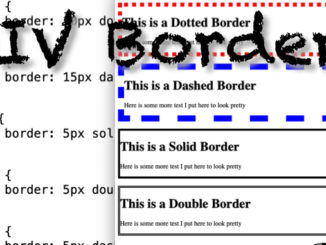
You can use DIV tags and Borders to group text together in your web page and do things such as create coupons. borderStyle.css divBorder.html
You can assign CSS attributes to HTML features using ID’s like you would with Classes. idStyle.css id.html
Classes allow you to format text in different tags similarly. Classes can be reused numerous times on a page, and they can be combined together. class.html classStyle.css
CSS can be added to an HTML document 3 different ways. You can use an External Style Sheet, dd CSS to the Head of the HTML document, and within the HTML tags themselves. inlineCSS.html onPageCSS.html […]
The basic syntax of CSS is to Assign Values to Properties for Selectors. In CSS “selectors” are synonymous with tags. So the h1 Selector refers to the h1 HTML Tag. CSSsyntax.html
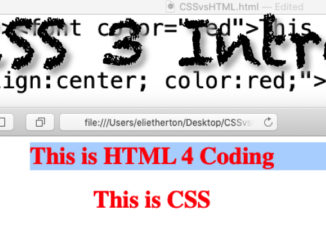
CSS, or Cascading Style Sheets, are the way you can format your HTML to look pretty. CSS and HTML used to be considered separate technologies, but with HTML5 they are now combined as one skill […]
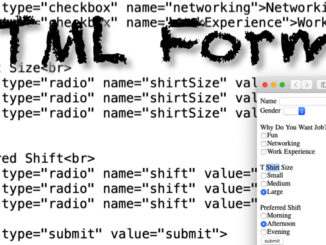
HTML forms give you the ability to ask for information from your viewers and then be able to do something with the values. HTML forms are a single component of what is required to build […]
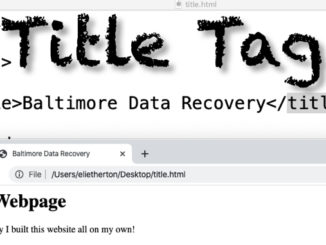
The Title Tag allows you to name your HTML document, and is very important for SEO purposes. title.html
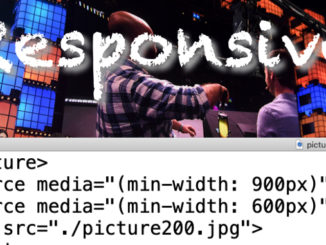
The Picture Tag allows you to change the size of an image displayed in an HTML document based on the width of the browser window. picture.html picture700.jpg picture400.jpg picture200.jpg
iFrames allow you to embed other web pages into your HTML document. This can be to show off other people’s websites, or simply as a way to reuse code such as for menu bars, or […]
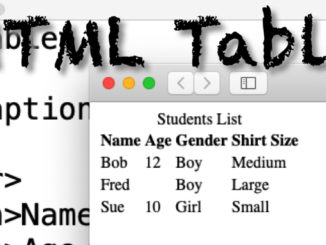
Tables in HTML allow you to display data in your HTML page in a spreadsheet format. table.html
Lists are created in HTML by using a tag for the whole list, and then each item in the list is enclosed in tags. You can create a Tiered List by placing lists within a […]
Hyperlinks allow users to be able to click on a link to move to a different web page. Anything within the A HREF tag will be turned into a link. target=”_blank” – has the link […]
Images are added to HTML documents by pointing to them using the IMG SRC tag. You can point to images within the same directory as the HTML document, or even from an entirely different website. […]
You use Tags in HTML for basic font formatting in HTML. More sophisticated formatting can be done with CSS. <h1></h1> Heading Tag (Headings go from h1 to h6) <p></p> Standard Paragraph tag <strong></strong> for Bold […]
HTML is a simple language that uses TAGs to tell browsers how text should be formatted. Capitalization does not matter in HTML White space does not matter in HTML Doctype Declaration used to be more […]
HTML allows for formatting a multimedia document that can be read by different vendors browsers. Before HTML documents were locked into the format of the word-processor they were created in. Different browsers display HTML differently. […]
You can create an HTML form that allows you to search records in your MySQL Tables and print the results in a web browser. In these project we use LIKE and wildcards for the query […]