HTML Intro- Auto Refresh Webpages
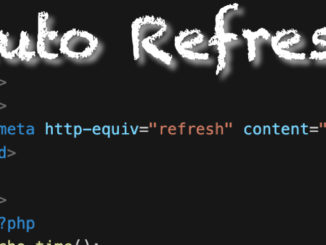
You can have your HTML document auto refresh itself so that d=ynamic information is continuously updated. <meta http-equiv=”refresh” content=”5″> https://www.w3schools.com/tags/att_meta_http_equiv.asp autoUpdate.php
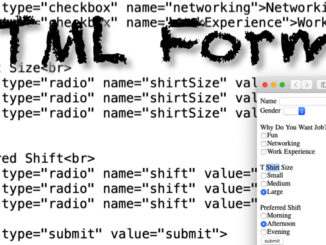
HTML forms give you the ability to ask for information from your viewers and then be able to do something with the values. HTML forms are a single component of what is required to build […]
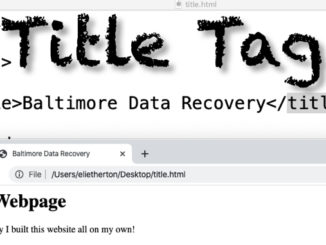
The Title Tag allows you to name your HTML document, and is very important for SEO purposes. title.html
The Picture Tag allows you to change the size of an image displayed in an HTML document based on the width of the browser window. picture.html picture700.jpg picture400.jpg picture200.jpg
iFrames allow you to embed other web pages into your HTML document. This can be to show off other people’s websites, or simply as a way to reuse code such as for menu bars, or […]
Tables in HTML allow you to display data in your HTML page in a spreadsheet format. table.html
Lists are created in HTML by using a tag for the whole list, and then each item in the list is enclosed in tags. You can create a Tiered List by placing lists within a […]
Hyperlinks allow users to be able to click on a link to move to a different web page. Anything within the A HREF tag will be turned into a link. target=”_blank” – has the link […]
Images are added to HTML documents by pointing to them using the IMG SRC tag. You can point to images within the same directory as the HTML document, or even from an entirely different website. […]
You use Tags in HTML for basic font formatting in HTML. More sophisticated formatting can be done with CSS. <h1></h1> Heading Tag (Headings go from h1 to h6) <p></p> Standard Paragraph tag <strong></strong> for Bold […]
HTML is a simple language that uses TAGs to tell browsers how text should be formatted. Capitalization does not matter in HTML White space does not matter in HTML Doctype Declaration used to be more […]
HTML allows for formatting a multimedia document that can be read by different vendors browsers. Before HTML documents were locked into the format of the word-processor they were created in. Different browsers display HTML differently. […]